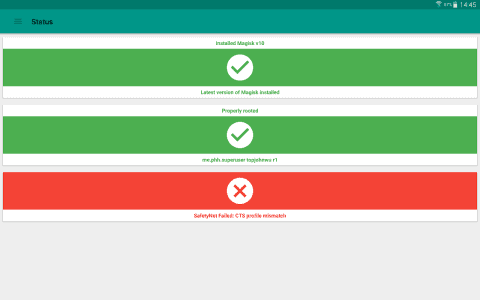
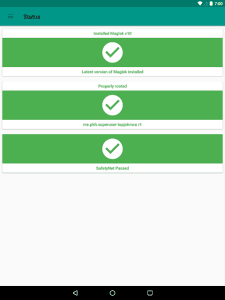
Magisk Manager is a powerful tool for Android users seeking advanced customization and control over their devices. It allows you to root your device without modifying the system partition, enabling you to enjoy root privileges while still passing SafetyNet checks for apps like banking and streaming services. This opens up a world of possibilities for customization, module installation, and overall device enhancement, all while maintaining system integrity.

Magisk Manager
topjohnwu
Download
2.47 MB
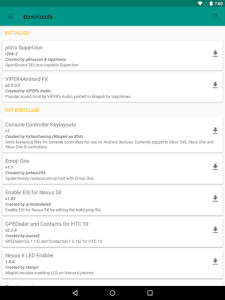
Magisk Manager Screenshots
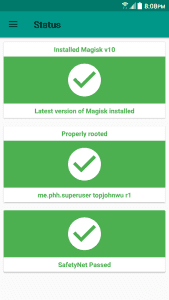
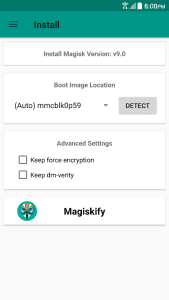
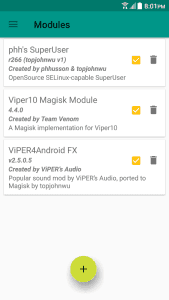
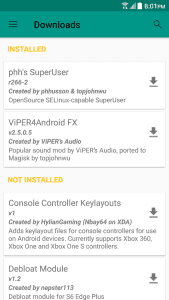
1 / 13
2.47 MB
Size
87de0e7a
Version
7+
Android
Universal
Arch
About Magisk Manager
Magisk Manager is a powerful tool for Android users seeking advanced customization and control over their devices. It allows you to root your device without modifying the system partition, enabling you to enjoy root privileges while still passing SafetyNet checks for apps like banking and streaming services. This opens up a world of possibilities for customization, module installation, and overall device enhancement, all while maintaining system integrity.
Rooting Systemlessly, Explained Simply
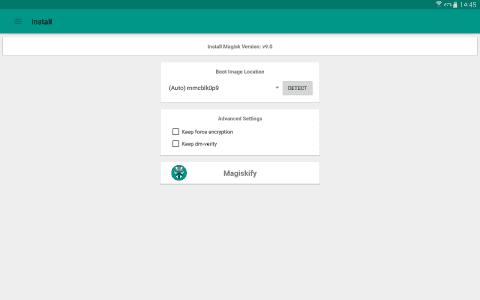
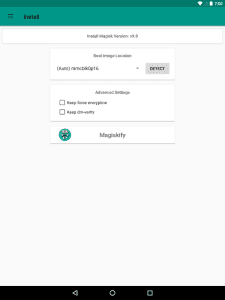
Magisk Manager operates by modifying the boot image instead of the system partition. This “systemless” approach is crucial because it leaves the core Android system untouched. As a result, you can easily revert to a stock state simply by uninstalling Magisk, making it a safe and reversible rooting method.
Hiding Root from Sensitive Apps
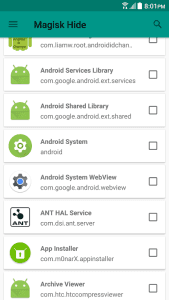
One of Magisk’s key features is its ability to hide root from specific apps. This is particularly useful for apps that refuse to run on rooted devices due to security concerns. MagiskHide allows you to selectively disable root access for these apps, enabling you to use them without any issues.
Installing Modules for Added Functionality
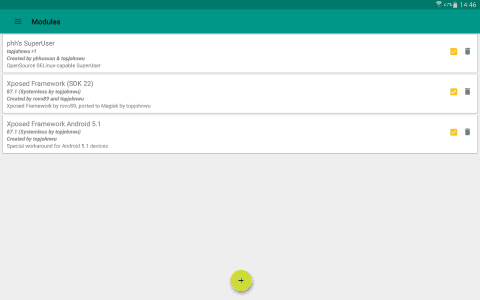
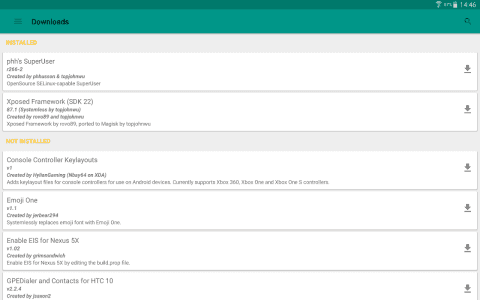
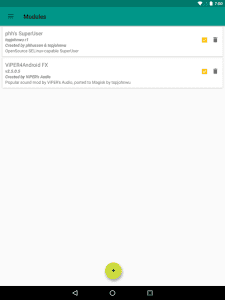
Magisk Manager supports the installation of modules, which are essentially add-ons that can modify and enhance your device’s functionality. These modules can range from simple UI tweaks to complex system-level modifications, allowing you to customize your Android experience to your exact preferences.
Managing Root Permissions Efficiently
Magisk Manager provides a user-friendly interface for managing root permissions granted to individual apps. You can easily grant or deny root access requests, ensuring that only trusted apps have access to sensitive system resources. This provides an extra layer of security and control over your device.
Seamless Updates Without Losing Root
Unlike traditional rooting methods, Magisk allows you to install official Android updates without losing root access. The update process is designed to preserve the Magisk installation, ensuring that you can continue to enjoy the benefits of root after the update is complete.
Frequently Asked Questions
Magisk Manager allows you to root your Android device systemlessly, enabling customization and module installation while maintaining the ability to pass SafetyNet checks for apps like banking and streaming services.
Magisk Manager is considered a relatively safe rooting method due to its systemless nature. It minimizes the risk of bricking your device and allows you to easily revert to a stock state if needed.
No, Magisk Manager itself doesn’t install custom ROMs. It’s primarily used for rooting and module installation on your existing ROM. You’ll need a separate method, such as a custom recovery, to flash custom ROMs.
Additional APP Information

You are now ready to download Magisk Manager for free. Here are some notes:
- Please read our APK Info and installation instructions carefully for the game & app to work properly
- Read the FAQ carefully for more details
4.7/5 (68 votes)